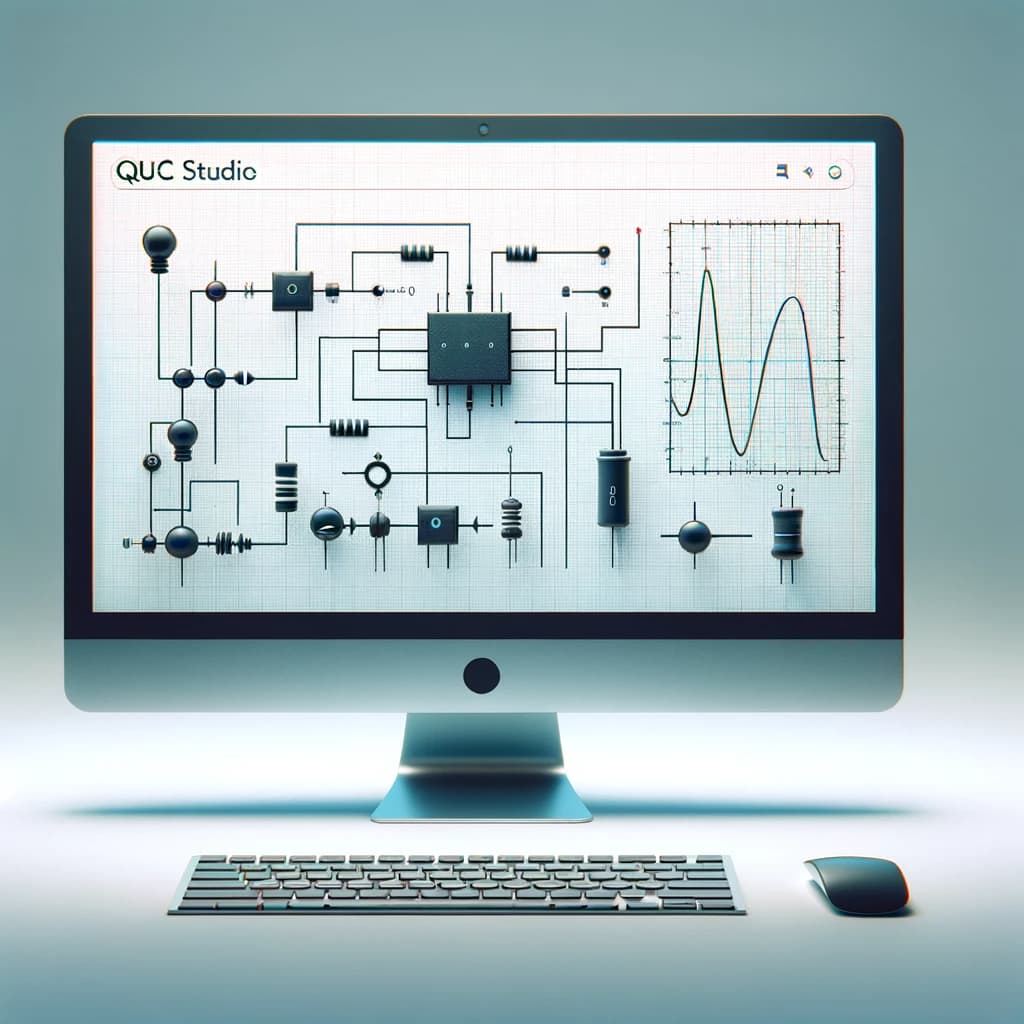
The free circuit simulator QucsStudio is now called uSimmics (formerly QucsStudio).
In this article, I will give you a clear overview of QucsStudio and explain:
why it was renamed to uSimmics, what changed, how it differs from Qucs, and what you can do with it (RF / analog / digital / system).
What is the free circuit simulator uSimmics(ex QucsStudio)?
QucsStudio is an advanced circuit simulation tool that evolved from the original Qucs project.
Independently developed by Michael Margraf, it introduced a new simulation engine and added unique features that are not available in other variants.
These include system simulation, PCB electromagnetic simulation, and integration with C/C++, Octave, and KiCad.
QucsStudio is especially suitable for professional use in smaller environments, and its ambitious feature set covers a wide range of needs.
Why the name changed from QucsStudio to uSimmics
Starting from Version 5.8, the application name was changed from QucsStudio to uSimmics.
The reason is simple:
There are multiple Qucs-related projects, and their similar names often caused confusion.
Also, some people found the word “Qucs” difficult to pronounce, which became a small barrier to adoption.
However, the name “QucsStudio” is still widely recognized, so in this article I mainly use the name QucsStudio.
Key features
uSimmics provides advanced analysis tools for complex electronic circuit design and performs well even in professional environments.
It supports a wide range of applications from analog circuit design to RF design.
This includes support for S-parameters and harmonic balance, inductive and capacitive component designers, transmission line synthesis, automatic filter design, impedance matching, attenuator calculation, and more.
Main features include the following:
Analog circuit design:
uSimmics includes support for S-parameters and harmonic balance to expand what you can do in analog and RF design.
In addition, it provides multiple utilities to support analog and RF circuit design, such as inductive/capacitive component designers, transmission line synthesis, automatic filter design, impedance matching, and attenuator calculation.
Circuit tuning:
In DC or S-parameter analysis, it is common to change circuit component parameters in order to meet design requirements.
With QucsStudio, you can tune and fine-adjust values and visually see how each component affects the simulation results.
Monte Carlo analysis:
Using the Monte Carlo method, you can analyze circuits while considering component tolerances.
This lets you observe how simulation results vary depending on the tolerances of circuit components.
PCB design support:
uSimmics supports PCB design at both the manufacturing and simulation levels.
It integrates with the KiCad routing software, and it can also perform electromagnetic field simulation for circuits based on microstrip lines.
Digital circuit design:
In uSimmics, you can design and simulate digital circuits using bit generators, logic gates, flip-flops, and components defined in VHDL/Verilog.
System design:
uSimmics is particularly well suited for high-level simulation of communication systems.
In system simulation, complex-number blocks are processed, and output data is sent to all connected components.
Additional utilities:
uSimmics includes more complex applications such as creating material lists, instrument control via GPIB, and Gerbview.
Comparison: Qucs vs. QucsStudio
Qucs (Quite Universal Circuit Simulator) is one of the free electronic circuit simulators, developed by Stefan Jahn and Michael Margraf.
The main goal of Qucs is to become a complete electronic circuit simulator that includes general SPICE simulation (DC, AC, transient) and RF design (S-parameters, harmonic balance).
Two major features of Qucs are the use of its own simulation engine, Qucsator, and a very well-designed Qt-based graphical user interface.
On the other hand, QucsStudio evolved from the Qucs project and was developed independently by Michael Margraf.
QucsStudio introduced a new simulation engine and added unique features not available in other variants, such as system simulation, PCB electromagnetic simulation, and integration with C/C++, Octave, and KiCad.
In fact, QucsStudio is the most ambitious version for professional use.
Open source
uSimmics is completely free to use, despite offering advanced features.
Users can download it for free from the official website and experience realistic circuit simulation.
QucsStudio is also part of the Qucs (Quite Universal Circuit Simulator) family.
This family includes Qucs Original, Qucs-S, and others, and all of them are available for free.
📌 See the recommended reading order (Roadmap)
➡️ Next: How to Install uSimmics


Comment